RenderHour Partners
Post what you edit.Earn while they edit.
Show your audience how RenderHour turns raw footage into finished videos, share your link, and earn up to 25% of their subscription payments for up to 12 months.
Get our partner growth playbook when you’re approved.
Included for partners
We’ll share the playbook
Once you are approved, you get our private growth playbook: how to make videos that sell RenderHour, what to test, and how to turn viewers into subscribers.
Know what to post
The five video formats that sell an AI editor, with hooks, scripts and a 30-day posting plan.
Know what to test
The numbers to watch in your portal, and what to change when views do not turn into clicks or clicks into sign-ups.
Turn viewers into referrals
Where the link goes on each platform, and how to talk about the free trial and yearly plans.
What to post
Show the edit, not the ad
The videos that bring subscribers show real footage turning into a finished cut. Every clip below was edited with RenderHour.
Open the partner kit: clips, hooks and captions
Raw clips to a finished Reel
Show the footage you started with, the one-line brief, and the cut that came back.
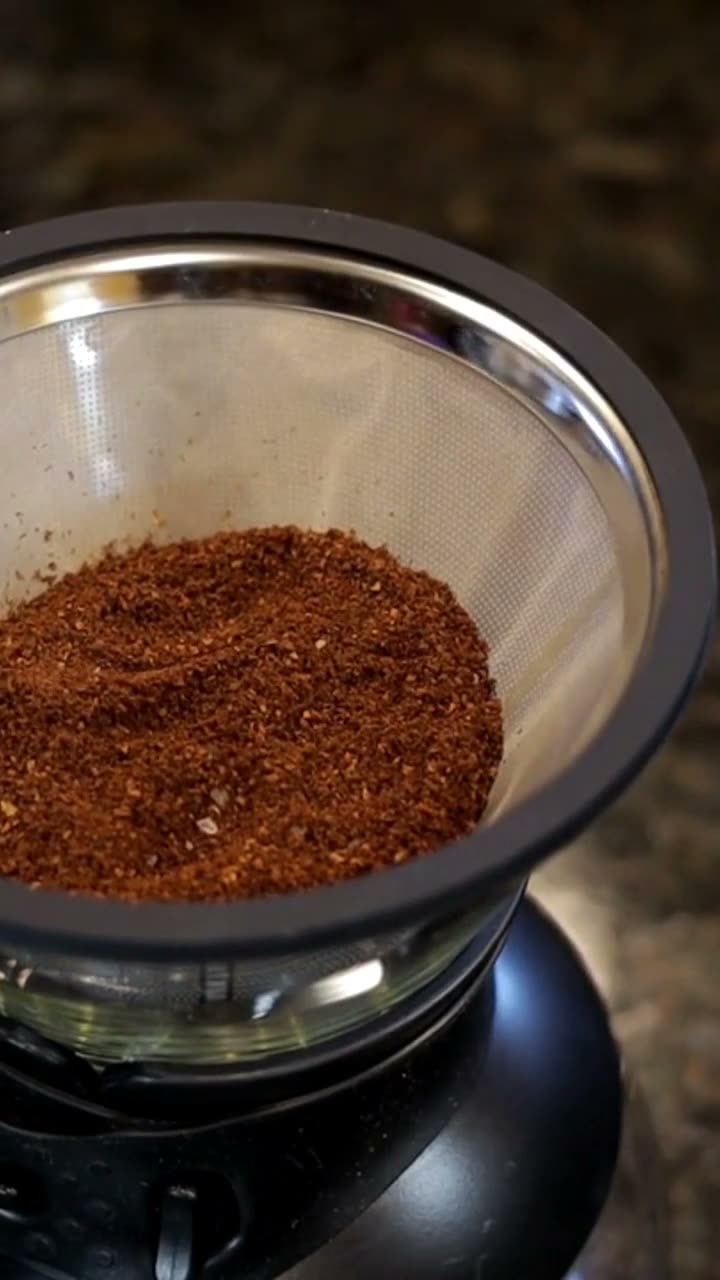
A tutorial in your niche
Walk through an edit for the videos your audience makes: recipes, gyms, listings, products.
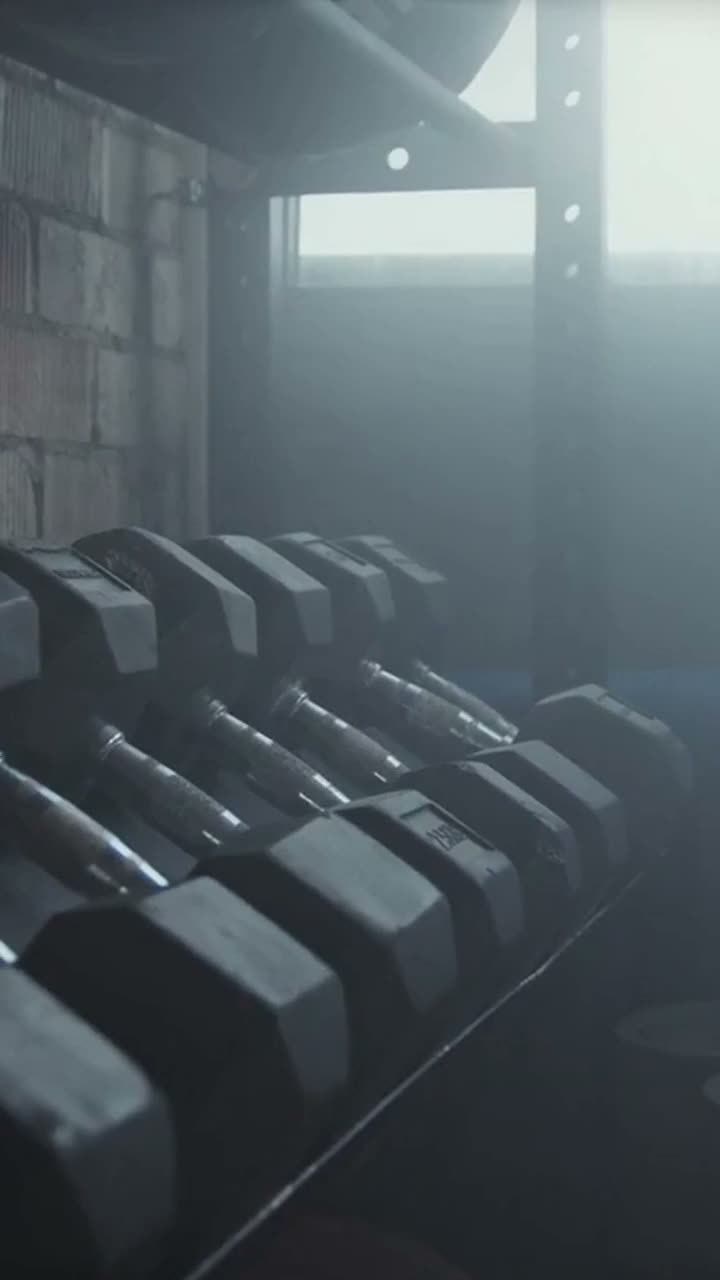
Before and after
Put your old edit next to RenderHour’s and let people judge the pacing and captions.

One trip, three cuts
Turn the same footage into a Reel, a square post and a teaser, and show how long it took.
The calculator
What could your link earn?
Set how many customers you refer each month and what each pays.
Estimated earnings over 12 months
$9,555
at 25% commission
Estimated total by month
- 1
- 2
- 3
- 4
- 5
- 6
- 7
- 8
- 9
- 10
- 11
- 12
Assumes a 25% rate, the same number of new customers every month, and no cancellations, refunds or discounts. Actual earnings may differ.
How it works
Three steps
- 01
Apply
Tell us about your channels. Once approved, you get an email invitation to the partner portal with your personal link.
- 02
Share your link
Post a RenderHour demo, tutorial or before-and-after. Add your link and tell viewers you earn a commission.
- 03
Earn on repeat
Get paid when your viewers subscribe, and keep earning on their payments for up to 12 months.
- 25%Up to 25% commissionOn the subscription payments you refer.
- 12moUp to 12 monthsPer customer, while they keep paying.
- 60daysReferral trackingA 60-day window after a click on your link.
- $50Paid out monthlyBy PayPal or Wise, once your balance reaches $50.
Join the program
Apply now
Your dashboard shows your approved rate and payout terms. Read the partner terms before you post.
Good to know
Questions, answered
Who can apply?
Creators, educators, agencies and newsletter writers whose audience makes or edits short videos. You apply with a free RenderHour account; we review every application.
What does 25% commission mean?
For every customer who subscribes through your link, you earn up to 25% of what they pay, before sales tax, on each payment for up to 12 months. A customer on a $49 plan earns you up to $12.25 a month. Your dashboard shows the rate approved for you.
Which payments count?
Subscription payments of customers the partner portal attributes to your link. Refunded or charged-back payments do not count, and neither do customers who were already paying before your click.
How is a referral tracked?
Your link opens RenderHour, and the partner platform records the click. If the visitor subscribes within 60 days, the subscription is yours. You see clicks, referrals and commissions in the partner portal.
When and how am I paid?
Once a month, by PayPal or Wise, once your balance reaches $50. A commission becomes payable 30 days after the payment it comes from, so refunds can be accounted for. You add your payout details in the partner portal.
Will you help me grow?
Yes. Approved partners get our private growth playbook: the formats that sell an AI video editor, hooks and scripts, a 30-day posting plan, the numbers to watch and what to change when they stall. The public partner kit adds clips you can repost.
Can I run ads?
Yes, on your own content. Bidding on “RenderHour” in search ads, coupon and cashback sites, and spam are not allowed. The partner terms list the rules.
More questions: team@renderhour.com · Full program rules